
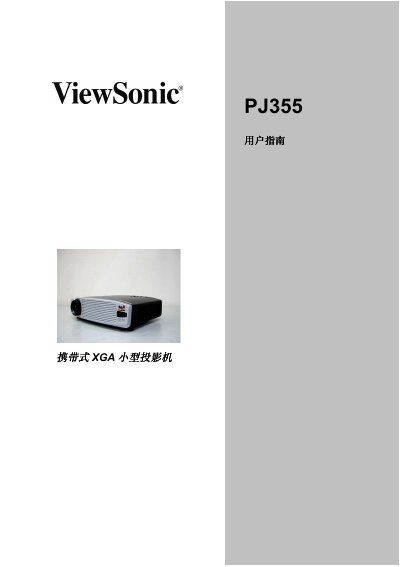
The ViewSonic PJ355 is a DLP projector with XGA (1024x768) native resolution. It features multiple input connections including DVI-I, VGA, DVI, Composite, S-Video, Component, and RCA. The manual covers setup, operation, menu navigation, and maintenance.
The document includes safety instructions, installation steps, remote control functions, on-screen display menus (Main, Setup, Color Manager, Language, Utilities, Status), keystone correction, zoom and focus adjustment, and regulatory compliance information (FCC, CE, UL).
| Native Resolution | 1024 x 768 (XGA) |
|---|---|
| Display Technology | DLP (Digital Light Processing) |
Press the Power button on the projector or remote control.
Use the Keystone Control buttons on the projector or via the OSD menu.
The native resolution is 1024 x 768 (XGA).