
This JS6000 handle CAN output technical manual introduces the handle's appearance, electrical specifications, electrical installation, pin description, pin compatibility and matching connectors.
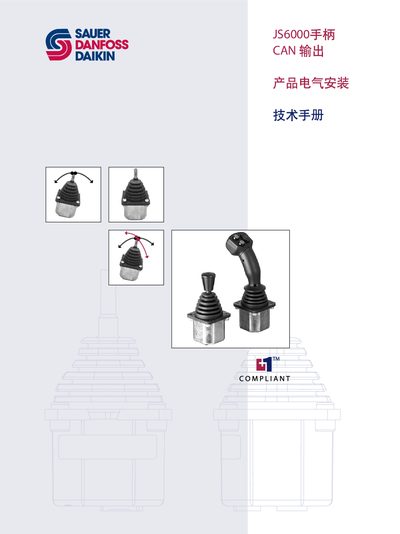
The JS6000 hand handle is a control device used on walking machinery. It can be configured for Y‑axis or XY‑axis motion and offers both analog and CAN output options. The hand handle includes independent Hall‑effect sensors for each axis and a microcontroller that processes position signals.
This manual covers the theory of operation, electrical specifications, pin descriptions, and installation procedures for the CAN‑output version. It lists the required supply voltage, maximum voltage and current limits, CAN bus bitrate, and pin compatibility, as well as the part numbers for the required Deutsch connectors. This manual is written in Chinese.
| Supply voltage (Vs) | 9 to 36 Vdc |
|---|---|
| Maximum working voltage | 36 Vdc |
| Maximum current loss | 90 mA |
| CAN bus bitrate | 250 kbps |
| CAN protocol | SAE J1939 CAN 2.0B |
| Number of CAN messages supported | 2 |
The JS6000 hand handle requires a CAN bus bitrate of 250 kbps.
It operates from a supply voltage of 9 Vdc up to 36 Vdc.
The device can receive up to two CAN messages: a basic J1939 message and an extended J1939 message.