
KOOBE e-book user manual, provides the download address of the user manual, and introduces the general use instructions for reading e-books, book collection function, and reading function
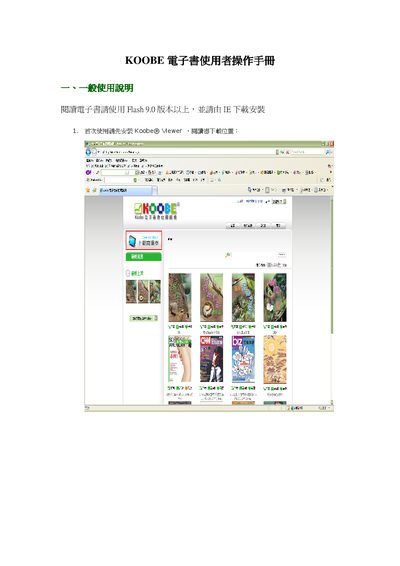
This manual provides step‑by‑step instructions for first‑time setup of the KOOBE eBook Reader, including installing the Koobe® Viewer and required software. It also covers how to browse, download, and store e‑books in the keb file format.
Further sections describe library organization, display options, sorting, annotation, page navigation, zoom, search, and device settings, helping users manage and enjoy their digital collection efficiently. This manual is written in Chinese.
| Required Flash version | Flash 9.0 or higher |
|---|
Download the Koobe® Viewer from the provided download location and install it; the viewer requires Flash 9.0 or newer.
Download the desired books from the KOOBE reading website; they are saved as keb files which you can locate on your computer and add to the library.
Select the book and click the “移除本書” button; this option is unavailable when all books are selected.
You can view books in single‑page or double‑page mode, and switch between them using the display options.