
Key facts
- Manuals
- 2
- Languages
- ZH
- Last added
- 2011-12-23
Featured Koobe manuals
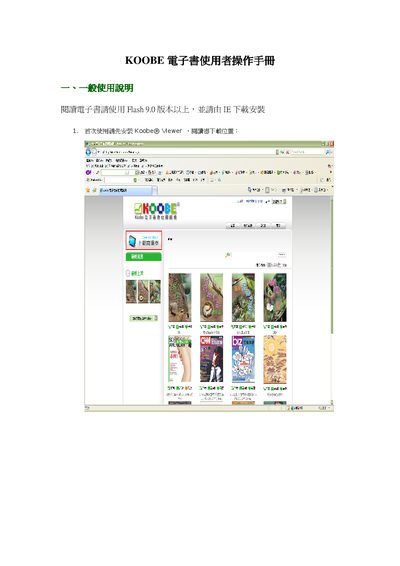
KOOBE eBook Reader User Manual
This manual provides step‑by‑step instructions for first‑time setup of the KOOBE eBook Reader, including installing the Koobe® Viewer and required software. It also covers how to browse, download, and store e‑books in the keb file format.
Further sections describe library organization, display options, sorting, annotation, page navigation, zoom, search, and device settings, helping users manage and enjoy their digital collection efficiently. This manual is written in Chinese.
Covers: General Usage · Library Functions · Reading Books · Library Display Options · Library Sorting · Library Management
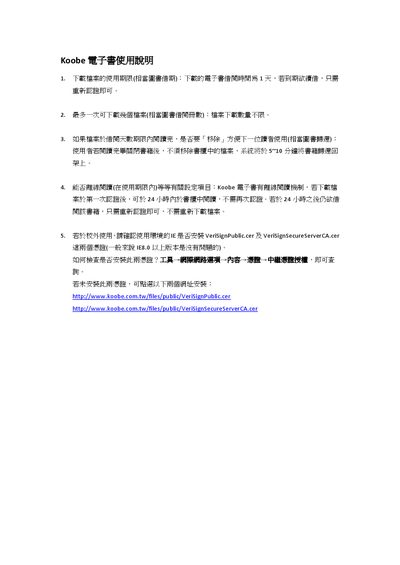
Koobe Ebook User Manual
The manual describes the borrowing period for downloaded ebooks (1 day per loan) and the limits on simultaneous downloads, which are unlimited. It also explains the offline reading mechanism: after the first authentication the ebook can be opened offline for 24 hours, after which re‑authentication is required without re‑downloading.
For use outside the library network, the guide instructs users to verify that Internet Explorer has the VeriSignPublic.cer and VeriSignSecureServerCA.cer certificates installed, and provides the URLs to download them. This manual is written in Chinese.
Covers: Download Period and Limits · Offline Reading Mechanism · Internet Explorer Certificate Requirements · Installation Verification
Latest Koobe manuals
KOOBE eBook Reader User Manual
User Manual 11 pages · 2 MB · ZHThe KOOBE eBook Reader User Manual explains installation, library management, reading features, and settings for the device.
Koobe Ebook User Manual
User Manual 1 pages · 191 KB · ZHThis Koobe ebook user manual explains download limits, offline reading, and required certificates for using Koobe electronic books.
Which document do I need?
User Manual
Day-to-day operation, settings and troubleshooting. Start here if the product is already set up.
Questions answered in Koobe manuals
How do I install the Koobe Viewer?
Download the Koobe® Viewer from the provided download location and install it; the viewer requires Flash 9.0 or newer.
How can I add e‑books to my library?
Download the desired books from the KOOBE reading website; they are saved as keb files which you can locate on your computer and add to the library.
How long is the download period for a borrowed ebook?
The download period is 1 day per borrowed ebook.
From: Koobe Ebook User Manual
Do I need to re‑download the ebook after the offline period expires?
No, you only need to re‑authenticate; re‑downloading is not required.
From: Koobe Ebook User Manual