
This quick start guide introduces the basic functions of the mimio Pad. The mimio Pad is a 2.4 GHz wireless base that allows you to interact with your computer using a pen from anywhere in the room.
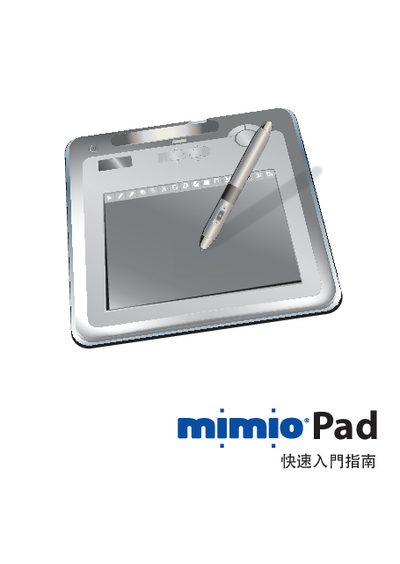
This guide introduces the Mimio Pad hardware, including its LCD display, rechargeable battery, and 2.4 GHz wireless link. It explains how to connect the device to a computer via USB and how to use it with Mimio Studio software.
Additional sections cover basic operation steps, battery charging, and common troubleshooting tips to help users get the most out of their Mimio Pad.
| Wireless frequency | 2.4 GHz |
|---|---|
| Battery charge indicator | 48.5 % |
Connect the Mimio Pad to the computer using the supplied USB cable.
Charge the Pad by plugging the USB cable into a power source; the battery level is shown on the device.
The Pad works with Mimio Studio, the software suite for interactive presentations.