
Key facts
- Manuals
- 1
- Languages
- EN
- Last added
- 2011-12-22
Featured Mimio manuals
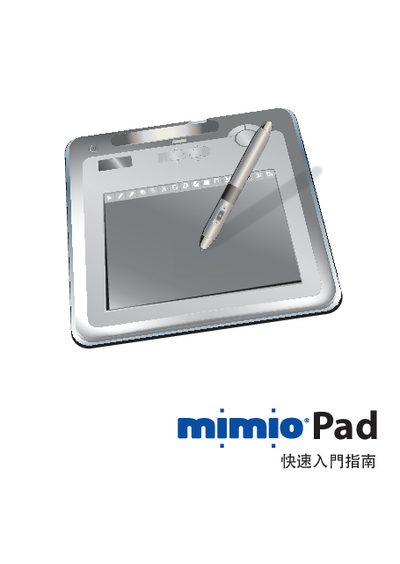
Mimio Pad User Manual
This guide introduces the Mimio Pad hardware, including its LCD display, rechargeable battery, and 2.4 GHz wireless link. It explains how to connect the device to a computer via USB and how to use it with Mimio Studio software.
Additional sections cover basic operation steps, battery charging, and common troubleshooting tips to help users get the most out of their Mimio Pad.
Covers: Hardware Overview · Wireless Frequency · USB Connection · Battery Information · Using Mimio Studio · Operation Basics
Latest Mimio manuals
Mimio Pad User Manual
User Manual 12 pages · 2.5 MB · ENThe Mimio Pad User Manual provides setup, operation, and troubleshooting instructions for the Mimio Pad interactive pen.
Which document do I need?
User Manual
Day-to-day operation, settings and troubleshooting. Start here if the product is already set up.
Questions answered in Mimio manuals
How do I connect the Mimio Pad to a computer?
Connect the Mimio Pad to the computer using the supplied USB cable.
From: Mimio Pad User Manual
How do I charge the Mimio Pad?
Charge the Pad by plugging the USB cable into a power source; the battery level is shown on the device.
From: Mimio Pad User Manual