
ImageCraft ICCAVR compiler is a tool for developing micro-controller MCU programs using the ANSI standard C language
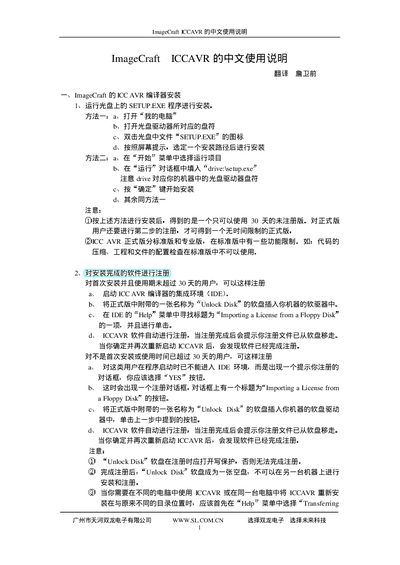
This manual provides step‑by‑step instructions for installing the ImageCraft ICCAVR development environment, activating the software license, and using the IDE to write, compile, and debug AVR programs. It includes details on required files, project creation, and common configuration options.
The document also describes the supported AVR microcontrollers, file formats (COFF, Intel HEX, ELF), compiler and linker settings, macro definitions, and how to import a license from a floppy disk or Unlock Disk. It serves as a reference for both beginners and experienced developers working with the ICCAVR toolchain. This manual is written in Chinese.
| Supported file formats | COFF, Intel HEX, ELF |
|---|---|
| IDE language support | ANSI C, C++ |
Run the SETUP.EXE program and follow the on‑screen prompts to complete the installation.
Use the Unlock Disk utility or import a license from a floppy disk via the "Importing a License from a Floppy Disk" option.
ICCAVR can compile COFF, Intel HEX, and ELF files.