
Key facts
- Manuals
- 2
- Languages
- ZH
- Last added
- 2012-02-14
Featured ImageCraft manuals
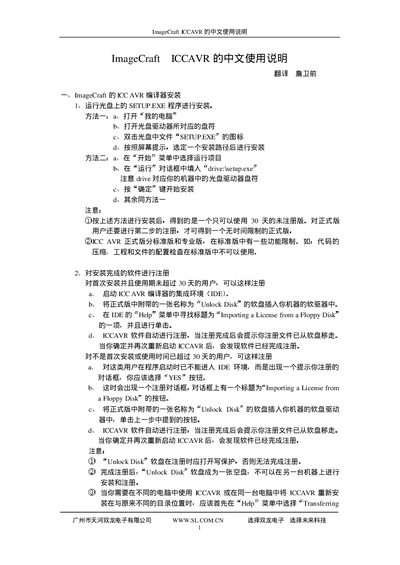
ImageCraft ICCAVR User Manual
This manual explains how to install the ICCAVR compiler suite from the supplied CD by running SETUP.EXE, selecting an installation path, and completing the on‑screen prompts. It also details the registration process using the provided "Unlock Disk" floppy and the IDE’s Help menu option "Importing a License from a Floppy Disk".
The document introduces the ICCAVR environment, describes supported source‑file extensions, explains project creation, compilation options, menu functions, and the pseudo‑instruction syntax used for advanced features such as interrupt handlers and macro definitions. This manual is written in Chinese.
Covers: Installation · Registration · Introduction · File Types · IDE Overview · Project Management
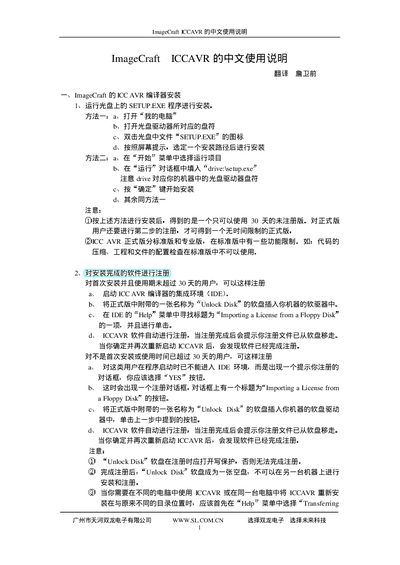
ImageCraft ICCAVR User Manual
This manual provides step‑by‑step instructions for installing the ImageCraft ICCAVR development environment, activating the software license, and using the IDE to write, compile, and debug AVR programs. It includes details on required files, project creation, and common configuration options.
The document also describes the supported AVR microcontrollers, file formats (COFF, Intel HEX, ELF), compiler and linker settings, macro definitions, and how to import a license from a floppy disk or Unlock Disk. It serves as a reference for both beginners and experienced developers working with the ICCAVR toolchain. This manual is written in Chinese.
Covers: Installation (SETUP.EXE) · License activation · IDE overview · Compiler options · Macro definitions · File formats
Latest ImageCraft manuals
ImageCraft ICCAVR User Manual
User Manual 33 pages · 126 KB · ZHThe ImageCraft ICCAVR User Manual provides installation, registration, and usage instructions for the ICCAVR C compiler IDE.
ImageCraft ICCAVR User Manual
User Manual 33 pages · 139 KB · ZHChinese user manual for ImageCraft ICCAVR development tool covering installation, license activation, and usage instructions.
Which document do I need?
User Manual
Day-to-day operation, settings and troubleshooting. Start here if the product is already set up.
Questions answered in ImageCraft manuals
How can I compile a single source file without building a full project?
Choose File → Compile File… and select either “to Object” to produce an object file or “to Output” to generate an executable or HEX file.
How do I install ImageCraft ICCAVR?
Run the SETUP.EXE program and follow the on‑screen prompts to complete the installation.
How can I activate the ICCAVR license?
Use the Unlock Disk utility or import a license from a floppy disk via the "Importing a License from a Floppy Disk" option.