
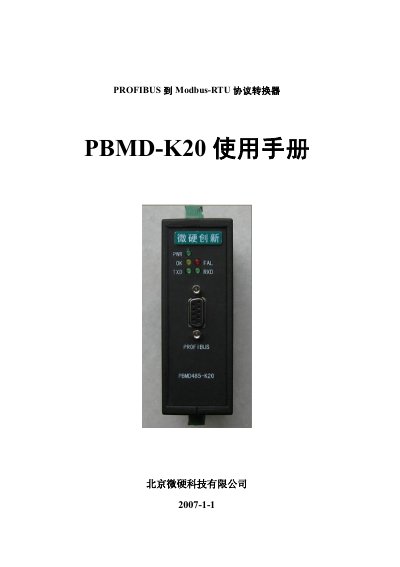
This is the user manual for the Weiying PBMD-K20 PROFIBUS to Modbus-RTU protocol converter, published by Beijing Weiying Innovation Technology Co., Ltd. It explains how to wire the converter, configure it in Siemens Step7, and exchange data with Modbus-RTU devices over PROFIBUS-DP.
The manual includes a quick start guide with hardware wiring and Step7 configuration, descriptions of the communication status and control words, Step7 configuration steps, and an introduction to the Modbus-RTU protocol including storage areas and function codes. This manual is written in Chinese.
| Installation method | DIN rail mounting |
|---|---|
| Supported baud rate | 9.6K-12M |
| Power supply | DC 24V |
| Max configurable Modbus-RTU messages | 37 |
| Max input/output data | 224 bytes each |
The recommended default wait time is 500mS, which is the time the module waits for a response after sending a Modbus message.
Set bit D0 of the control word to 1 to start the PBMD-K20 and send Modbus messages.
The power interface on the top uses DC 24V.