
This document is a user manual for the LG-G828 cellular phone, which provides information on how to use and operate the phone, as well as safety precautions. The phone is described as compact and stylish, and incorporates advanced digital mobile communication technology.
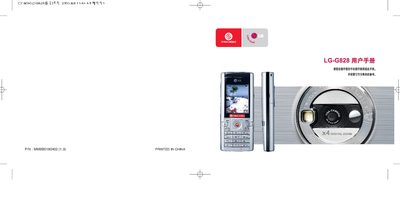
The LG G828 user manual provides essential safety guidelines, battery maintenance instructions, and detailed operating procedures for the phone. It includes warnings for use on aircraft, near fuel, and in medical environments, as well as instructions for installing the SIM card, charging the battery, and using the device's functions.
A complete table of contents lists sections on hardware components, key descriptions, menu navigation, call handling, messaging, internet services, and customer support, helping users get the most out of their LG G828 handset. This manual is written in Chinese.
| Maximum SAR (10g) | 0.645 W/kg |
|---|---|
| SAR limit (10g) | 2 W/kg |
| Battery memory effect | None |
| Recommended charger | LG‑branded charger |
The maximum specific absorption rate (SAR) for the LG G828 is 0.645 W/kg measured over 10 g of tissue.
Do not hold the phone with wet hands while charging, as it may cause electric shock or damage the phone.
The phone uses an LG‑branded battery that does not suffer from memory effect and can be recharged thousands of times.
No, you do not need to fully discharge the battery before charging it.