
This is a user manual that introduces how to use a web browser to access and manage files.
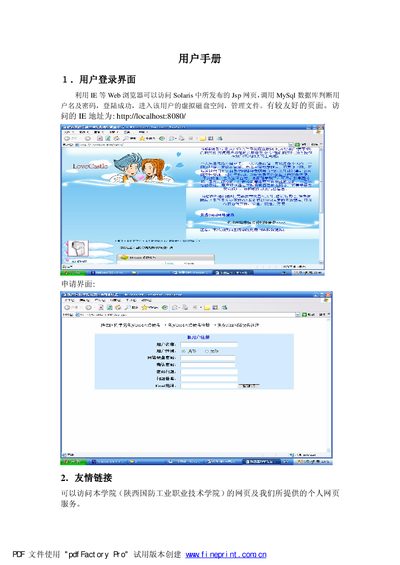
The document describes the login interface for the Solaris system, showing how users can access the web portal with a browser and enter their credentials to reach their virtual disk space. It also outlines the basic navigation and available tools within the interface.
Subsequent sections cover file operations such as uploading files, creating and deleting directories, and downloading documents. Detailed steps for each action, including button labels and expected results, are provided to help users manage their files effectively. This manual is written in Chinese.
| Server software | Tomcat 4.1 |
|---|---|
| Network speed | 20M |
Select the upload button, choose the file, and confirm to upload it to the server.