
This document is the installation manual for WebSphere Application Server V6.1, which guides the installation process on a distributed platform, including uninstallation, preparing installation files, installation, and creating profile files.
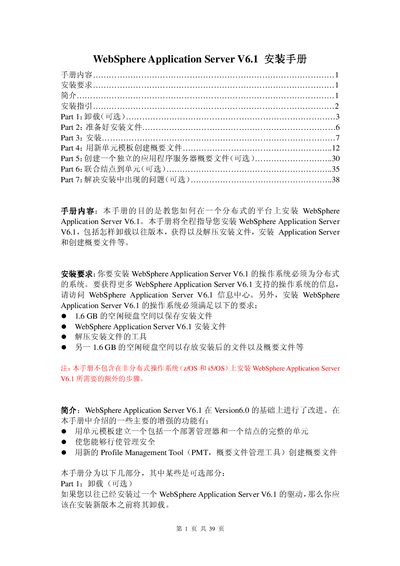
This guide explains how to install WebSphere Application Server V6.1 on a distributed operating system. It includes requirements, preparation of installation files, the installation process, and post‑install tasks such as creating and managing profiles.
The document is organized into optional and required sections: uninstalling previous versions, preparing installation media, performing the installation, creating a profile with a new cell template, optionally creating a standalone server profile, joining nodes to a cell, and troubleshooting common installation problems. This manual is written in Chinese.
| Required free disk space for installation files | 1.6 GB |
|---|---|
| Required free disk space after installation | 1.6 GB |
| Supported operating systems | AIX, Solaris, HP‑UX, Windows, Linux |
You need about 1.6 GB of free hard‑disk space for the installation files and another 1.6 GB for the installed files and profiles.
Open a command prompt, go to the
Installation logs are stored under