
Nokia N95 user manual, introduces the phone's buttons, components, shortcuts and how to install SIM cards and batteries
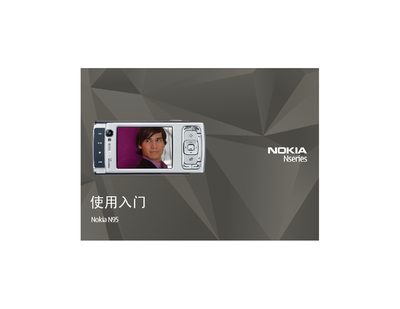
This manual describes the layout and functions of the Nokia N95 buttons and components, covering the power key, navigation keys, multimedia controls, camera, and media mode operations. It also explains shortcuts for quickly accessing applications, locking the keyboard, and using voice commands.
Additional sections guide users through installing the SIM card and battery, powering on the device, charging the battery, and accessing technical support resources. The document includes safety notes for antenna use and tips for optimal device performance. This manual is written in Chinese.
| AV jack | 73.5 mm |
|---|---|
| Micro USB connector | Micro‑USB port for PC connection |
| Speaker | Stereo speaker with 3D sound effect |
| Infrared interface | IR port |
| Memory card slot | microSD card compatible slot |
Open the back cover, lift the SIM card tray, insert the SIM card with the gold contacts facing the device and the cut corner pointing down, then lock the tray back in place.
To lock the keyboard, press the lock key then the lock key again; to unlock, press the lock key then the unlock key, or open the sliding cover.
Connect the compatible charger to a wall outlet, attach the power cable to the phone, wait for the charging indicator to appear, and disconnect once the indicator stops scrolling.