
This document is the user manual for Nokia E71, which introduces the features and characteristics of the product.
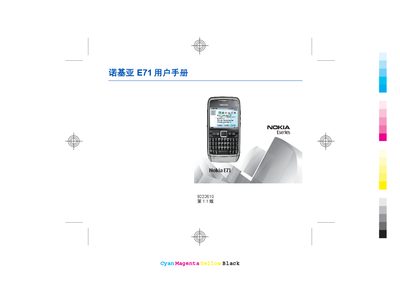
This user manual is for the Nokia E71 wireless device (product RM-493), published by Nokia. It contains safety rules, setup steps, and operating instructions for the phone.
It covers installing the SIM card and battery, charging, memory cards, the headset, wrist strap, and antenna, then first startup, standby, menus, and transferring content. Later sections explain phone settings, voice calls, messages, email, internet, GPS and maps, office tools, photos and video, music, personalization, Bluetooth and data-cable connections, security, backup, settings, accessories, and product and safety information. This manual is written in Chinese.
| Network bands | (E)GSM 850, 900, 1800, 1900 |
|---|---|
| Product code | RM-493 |
It supports (E)GSM 850, 900, 1800 and 1900 networks.
No. The device is not waterproof and should be kept dry.
Turn off the device and disconnect it from the charger.