
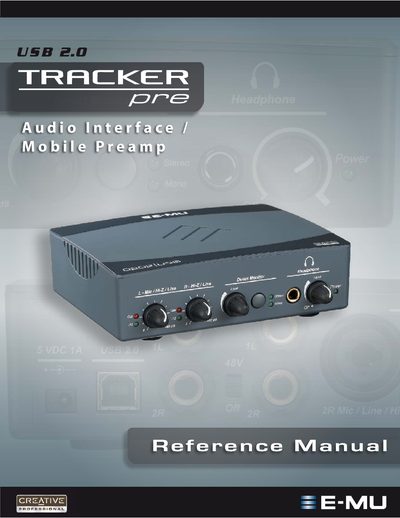
This reference manual introduces the Tracker Pre USB 2.0 audio interface, describing its features such as 24‑bit/192 kHz converters, XTC™ Class‑A preamps, and optional phantom power. It lists the package contents, computer system requirements for Windows and macOS, and step‑by‑step software installation instructions.
The guide also covers the front‑panel controls, direct‑monitoring options, technical specifications, and a troubleshooting index. Additional sections provide wiring diagrams, cable recommendations, and tips for using the device with popular DAWs such as Cubase, Sonar, and Ableton Live.
| Audio Resolution | 24‑bit/192 kHz |
|---|---|
| Supported Sample Rates | 44.1 kHz, 48 kHz, 88.2 kHz, 96 kHz, 176.4 kHz, 192 kHz |
| Phantom Power | +48 V bus‑powered |
| USB Interface | USB 2.0 (Hi‑Speed) port required |
| Minimum System RAM | 512 MB |
Connect the Tracker Pre to the computer with the supplied USB cable, insert the E‑MU Software/Manual Installation CD, run setup.exe, and follow the on‑screen prompts. Restart the computer after installation.
A 1.2 GHz Intel or AMD processor, 512 MB RAM, a Hi‑Speed USB 2.0 port, and at least 900 MB of free hard‑disk space on Windows (500 MB on macOS).
The built‑in CurrentMorph circuit provides bus‑powered +48 V phantom power for microphones.