
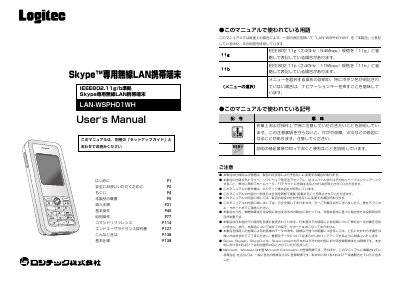
This manual explains how to install and configure the Logtec LAN‑WSPHO1WH wireless LAN device, which enables Skype communication without a PC. It covers safety precautions, battery handling, and detailed menu navigation.
The document also includes security settings, warranty information, and a full list of technical specifications such as wireless standards, power requirements, and physical dimensions. This manual is written in Japanese.
| Wireless standards | IEEE 802.11g / IEEE 802.11b |
|---|---|
| Frequency range | 2412 MHz – 2472 MHz |
| Security protocols | WPA2‑PSK / WPA‑PSK (TKIP/AES), WEP 128/64‑bit |
| USB interface | USB mini‑B (female) x1 |
| Headset jack | 4‑pole microphone/headset connector |
| Power supply | DC 3.7 V, 300 mA |
| Battery | Lithium‑ion 1200 mAh |
| Dimensions | 3 × 18 × 115 mm |
| Weight (with battery) | ≈104 g |
Press and hold the power/end button for 10‑15 seconds until the unit powers off, or remove the battery and re‑insert it.
The device supports WPA2‑PSK/WPA‑PSK (TKIP/AES) and WEP 128/64‑bit encryption.