
Key facts
- Manuals
- 1
- Languages
- JA
- Last added
- 2011-12-13
Featured Logites manuals
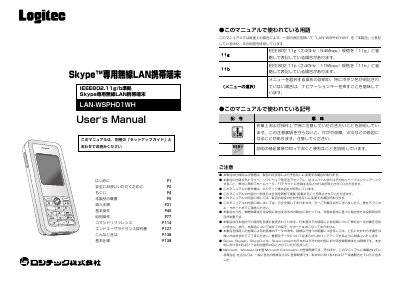
Logtec LAN-WSPHO1WH User Manual
This manual explains how to install and configure the Logtec LAN‑WSPHO1WH wireless LAN device, which enables Skype communication without a PC. It covers safety precautions, battery handling, and detailed menu navigation.
The document also includes security settings, warranty information, and a full list of technical specifications such as wireless standards, power requirements, and physical dimensions. This manual is written in Japanese.
Covers: Introduction · Safety Information · Installation Procedure · Basic Operation · Security Features · Accessories
Latest Logites manuals
Logtec LAN-WSPHO1WH User Manual
User Manual 71 pages · 1.8 MB · JAThe Logtec LAN‑WSPHO1WH user manual provides setup, safety, operation and technical specifications for the wireless LAN Skype device.
Which document do I need?
User Manual
Day-to-day operation, settings and troubleshooting. Start here if the product is already set up.
Questions answered in Logites manuals
How can I reset the device if it becomes unresponsive?
Press and hold the power/end button for 10‑15 seconds until the unit powers off, or remove the battery and re‑insert it.
What security protocols are supported by the device?
The device supports WPA2‑PSK/WPA‑PSK (TKIP/AES) and WEP 128/64‑bit encryption.