
This manual is a basic user manual for CP-S318/CP-X328 liquid crystal projectors, which introduces the basic methods for using the projector.
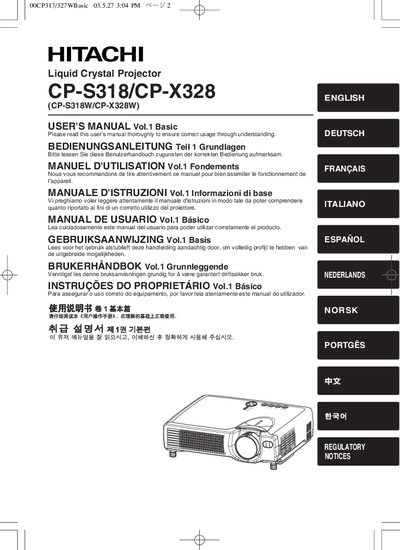
This manual covers the basic features of the Hitachi CP‑S318/CP‑X328 liquid‑crystal projector, including preparation, part identification, and safety precautions. It explains how to set up the projector, connect external devices, and operate the remote control.
Detailed sections describe power control, volume adjustment, keystone correction, screen‑size calculations, and maintenance tasks such as lamp and air‑filter care. Regulatory notices and warranty information are also included.
| Resolution | CP‑S318: 800 × 600 px; CP‑X328: 1024 × 768 px |
|---|---|
| Lamp Type | UHB (Ultra High Brightness) lamp |
Press the KEYSTONE button on the remote control to activate the keystone correction feature and adjust the image until it is rectangular.