
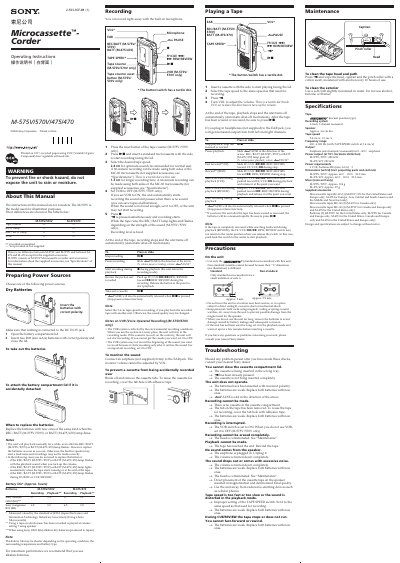
This manual provides operating instructions for four Sony microcassette recorders: the M-575V, M-570V, M-475 and M-470. It explains how to record, play back, and manage power sources, as well as how to use features such as the tape counter, VOR (voice‑operated recording) and tape speed selection.
Safety precautions, troubleshooting tips, maintenance procedures, and detailed specifications are also included. The document is printed on recycled paper and is intended for use in English and Chinese markets.
| Tape type | Standard microcassette (normal position type) |
|---|---|
| Recording system | 2‑track 1‑channel monaural |
| Speaker diameter | Approx. 3.6 cm |
| Tape speed | 2.4 cm/s or 1.2 cm/s |
| Frequency range | 300 – 4000 Hz (at 2.4 cm/s) |
| Earphone output | Mini‑jack monaural, 8 – 300 Ω earphones |
| Power output (M‑575V/570V) | 450 mW |
| Power requirements | 3 V DC, 2 × AAA (R03) batteries |
| Mass (M‑575V/570V) | ≈ 104 g |
Open the battery compartment, insert two AAA (R03) batteries with the correct polarity, and close the lid. Replace them when the REC/BATT (M‑575V/570V) or BATT (M‑475/470) lamp dims.
Press the reset button on the unit (available only on the M‑575V/570V models).
Press the record button, then wipe the head, capstan, and pinch roller with a cotton swab moistened with alcohol every 10 hours of use.