
This is a summary of the user manual for the Canon IPSiO CX9000/CX7500 printer.
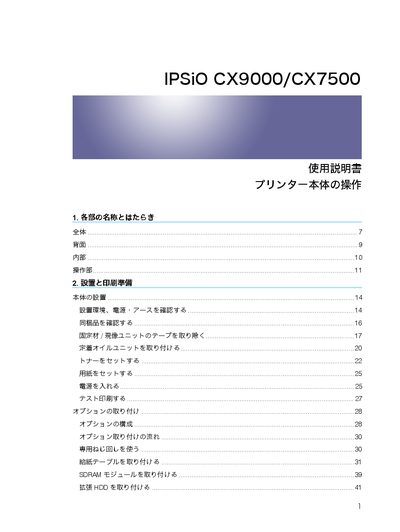
This manual describes each part of the IPSiO CX9000/CX7500 printer, how to install the unit, configure network settings, and prepare paper for printing. It also covers optional accessories such as expansion boards, HDDs, and finishing units.
Later sections explain routine maintenance, consumable replacement, error messages, and detailed specifications for print speed, resolution, power consumption, and physical dimensions. This manual is written in Japanese.
| Monochrome print speed (CX9000) | 35 pages/min |
|---|---|
| Color print speed (CX9000) | 35 pages/min |
| Monochrome print speed (CX7500) | 32 pages/min |
| Color print speed (CX7500) | 24 pages/min |
| Resolution | 600×600, 1200×600, 1200×1200 dpi (mono/color) |
| Maximum power consumption | 30 W |
| Dimensions (installed) | 540 mm × 600 mm × 400 mm (W×D×H) |
| Weight (installed) | 7 kg or less |
| Standard paper tray capacity | 550 sheets (single‑stack) |
The CX9000 can print color pages at up to 35 pages per minute (A4, 600×600 dpi).