
This document is an instruction manual for the CG-HDC2U3100 product, explaining the setup process and safety precautions. The document provides information on the precautions to be taken to prevent harm to users and damage to property, and emphasizes the importance of using the product correctly and safely.
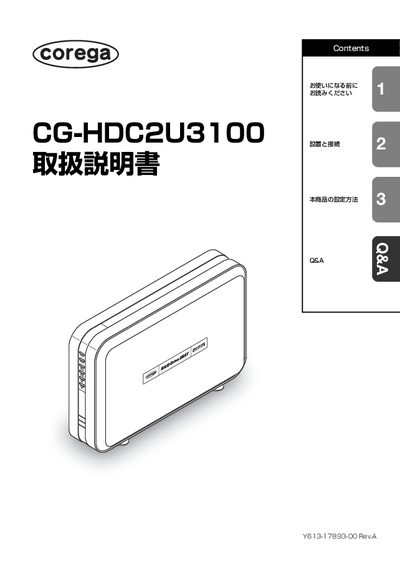
This manual begins with safety information, warning symbols, and proper handling to prevent injury, fire, or damage. It explains where not to place the device, how to avoid overheating, and the importance of using the supplied AC adapter and cables.
The later sections cover installation and connection steps, supported operating systems, USB interface details, and configuration options. A troubleshooting (QSA) chapter lists common problems and solutions, and an appendix provides specifications, warranty, and support contact information. This manual is written in Japanese.
| Interface | USB |
|---|---|
| Supported OS (Windows) | Windows Vista, Windows XP, Windows 2000 |
| Supported OS (Mac) | Mac OS X 10.3 and later |
| Power Supply | Included AC adapter |
| Included Accessories | AC adapter, AC cable, USB cable (1 m), HDD mounting screws (10), HDD mounting driver, user manual, warranty card |
No. The product is guaranteed to work only with Japanese‑language operating systems.
The package contains the CG-HDC2U3100 unit, an AC adapter, an AC cable, a 1 m USB cable, ten HDD mounting screws, a mounting driver, the user manual, and a warranty card.
A computer with a standard USB port is required.