
Key facts
- Manuals
- 1
- Languages
- JA
- Last added
- 2011-12-10
Featured CG-HDC2U3100 manuals
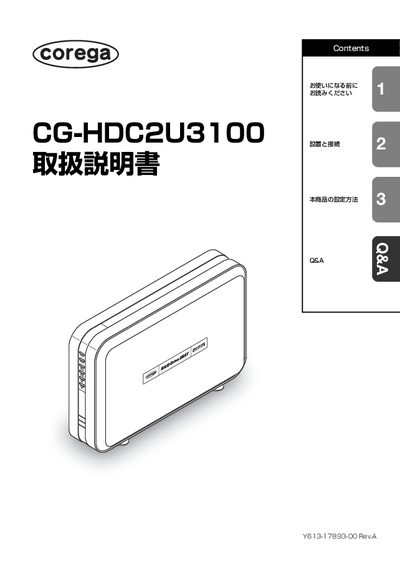
Corega CG-HDC2U3100 User Manual
This manual begins with safety information, warning symbols, and proper handling to prevent injury, fire, or damage. It explains where not to place the device, how to avoid overheating, and the importance of using the supplied AC adapter and cables.
The later sections cover installation and connection steps, supported operating systems, USB interface details, and configuration options. A troubleshooting (QSA) chapter lists common problems and solutions, and an appendix provides specifications, warranty, and support contact information. This manual is written in Japanese.
Covers: Safety Precautions · Installation and Connection · Supported Operating Systems · Device Settings · Troubleshooting (QSA) · Included Accessories
Latest CG-HDC2U3100 manuals
Corega CG-HDC2U3100 User Manual
User Manual 68 pages · 3.3 MB · JAThe Corega CG-HDC2U3100 User Manual provides safety warnings, installation, connection, and usage instructions for the external hard drive.
Which document do I need?
User Manual
Day-to-day operation, settings and troubleshooting. Start here if the product is already set up.
Questions answered in CG-HDC2U3100 manuals
Can the CG-HDC2U3100 be used with non‑Japanese operating systems?
No. The product is guaranteed to work only with Japanese‑language operating systems.
Which accessories are included with the CG-HDC2U3100?
The package contains the CG-HDC2U3100 unit, an AC adapter, an AC cable, a 1 m USB cable, ten HDD mounting screws, a mounting driver, the user manual, and a warranty card.