
LC-X71D / LC-X71DL type liquid crystal projector, 1024 x 768 high resolution liquid crystal panel, supports XGA computer, SXGA, UXGA compression. Including wireless / wired two-way remote control, automatic PC adjustment function, digital zoom function, digital keystone (distortion correction) function, mute function, pause function, disappearance function, P-TIMER function, stereo output amplifier and speaker and many other functions.
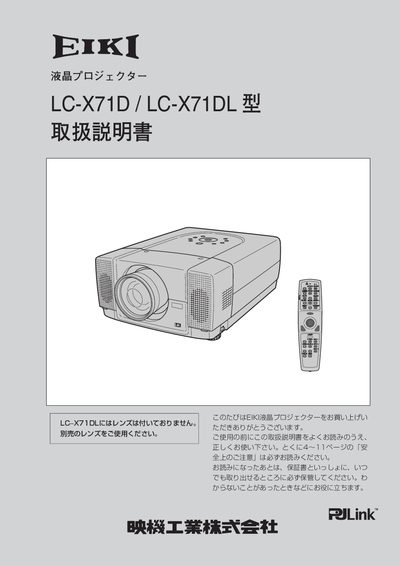
This manual explains how to install, connect, and operate the RJLink LC‑X71D and LC‑X71DL LCD projectors. It covers safety precautions, power handling, lens adjustment, and the use of the wireless remote with laser pointer.
Detailed sections describe image adjustments such as digital zoom, keystone correction, and motorized lens shift, as well as troubleshooting steps for common issues like smoke, strange noises, or loss of picture. This manual is written in Japanese.
| Resolution | 1024 x 768 dots |
|---|---|
| Power voltage | AC 100 V |
Switch off the power switch and unplug the power plug from the outlet.