
Key facts
- Manuals
- 1
- Languages
- JA
- Last added
- 2011-12-09
Featured RJLink manuals
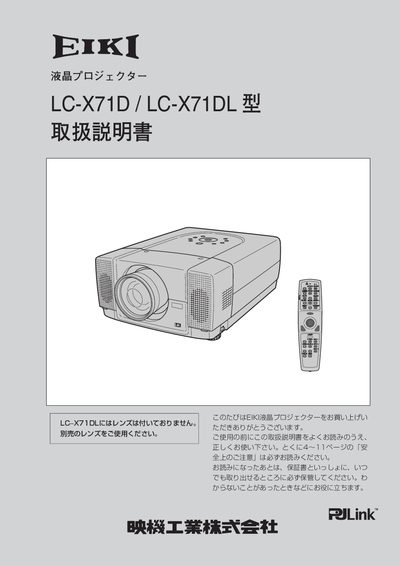
RJLink LC-X71D / LC-X71DL Projector User Manual
This manual explains how to install, connect, and operate the RJLink LC‑X71D and LC‑X71DL LCD projectors. It covers safety precautions, power handling, lens adjustment, and the use of the wireless remote with laser pointer.
Detailed sections describe image adjustments such as digital zoom, keystone correction, and motorized lens shift, as well as troubleshooting steps for common issues like smoke, strange noises, or loss of picture. This manual is written in Japanese.
Covers: 安全上のご注意 · 付属品を確認してください · 機器をつなぐ端子 · 操作パネルとインジケータ · リモコンのボタン · 設置のしかた
Latest RJLink manuals
RJLink LC-X71D / LC-X71DL Projector User Manual
User Manual 76 pages · 3.1 MB · JAThe RJLink LC‑X71D/LC‑X71DL projector user manual provides setup, operation, safety, and maintenance instructions.
Which document do I need?
User Manual
Day-to-day operation, settings and troubleshooting. Start here if the product is already set up.
Questions answered in RJLink manuals
How should I turn off the projector safely?
Switch off the power switch and unplug the power plug from the outlet.