
DISTOOLS display screen control software uses VC6.0 programming, no need to install to use, will not modify customer computer configuration; using multi-language UNICODE technology, can run on any different language Windows platform; can handle GIF animation, BMP pictures, TXT text, CSV table files; support RS232/RS485/USB wired connection, FM RDS long-distance wireless connection and 2.4G high-frequency wireless connection, and can control the display screen from a distance, support 255 IP addresses; use a large number of pictures to beautify the interface, support cold and warm color display of operation buttons.
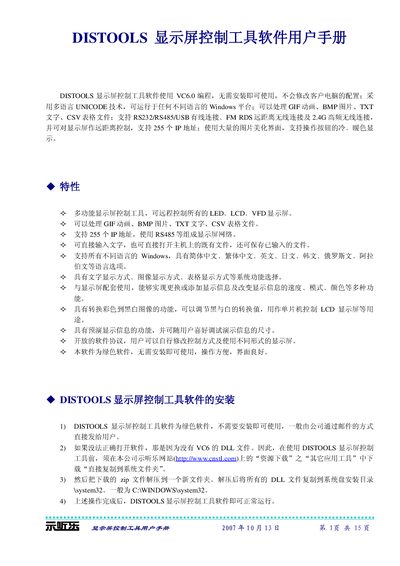
The DISTOOLS Display Screen Control Tool is a portable, installation‑free program built with VC6.0 that runs on any Windows platform using Unicode. It can handle GIF animations, BMP images, TXT text files and CSV tables, and supports up to 255 addressable display units via RS232, RS485, USB, FM‑RDS or 2.4 GHz wireless links.
The manual explains how to install the required VC6 DLLs, configure serial ports, set display dimensions, adjust brightness, speed, direction and color, and send or edit text and image content on the connected screens. Troubleshooting steps for serial‑port errors and communication failures are also provided. This manual is written in Chinese.
| Supported connections | RS232, RS485, USB, FM‑RDS, 2.4 GHz wireless |
|---|---|
| Maximum addressable screens | 255 |
| Supported file types | GIF, BMP, TXT, CSV |
| Display memory capacity | 20480 bytes |
| Available memory (example model) | 17408 bytes |
The software can control up to 255 individual display addresses.
RS232, RS485, USB, FM‑RDS long‑range wireless, and 2.4 GHz high‑frequency wireless connections are supported.
Use the brightness setting (levels 0‑9) in the “Display Settings” section; higher numbers increase brightness.