
Key facts
- Manuals
- 1
- Languages
- ZH
- Last added
- 2011-12-09
Featured 显示屏控制工具软件 manuals
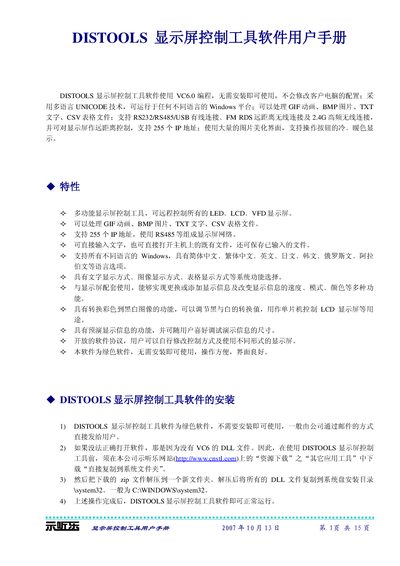
DISTOOLS Display Screen Control Tool User Manual
The DISTOOLS Display Screen Control Tool is a portable, installation‑free program built with VC6.0 that runs on any Windows platform using Unicode. It can handle GIF animations, BMP images, TXT text files and CSV tables, and supports up to 255 addressable display units via RS232, RS485, USB, FM‑RDS or 2.4 GHz wireless links.
The manual explains how to install the required VC6 DLLs, configure serial ports, set display dimensions, adjust brightness, speed, direction and color, and send or edit text and image content on the connected screens. Troubleshooting steps for serial‑port errors and communication failures are also provided. This manual is written in Chinese.
Covers: Introduction · Installation and DLL requirements · Serial port configuration · Communication troubleshooting · Text and image input · Display settings (size, brightness, speed, direction, color)
Latest 显示屏控制工具软件 manuals
DISTOOLS Display Screen Control Tool User Manual
User Manual 15 pages · 650 KB · ZHUser manual for the DISTOOLS software that controls LED, LCD and VFD display screens via RS232/RS485/USB, FM‑RDS or 2.4 GHz wireless connections.
Which document do I need?
User Manual
Day-to-day operation, settings and troubleshooting. Start here if the product is already set up.
Questions answered in 显示屏控制工具软件 manuals
How many display addresses can the software control?
The software can control up to 255 individual display addresses.
Which connections are supported for remote control of the display screens?
RS232, RS485, USB, FM‑RDS long‑range wireless, and 2.4 GHz high‑frequency wireless connections are supported.