
This document provides the instructions for use and troubleshooting methods of the pressure-bearing split solar water heater controller produced by Jisheng Electronics. The document includes information on precautions, component names and functions, technical parameters, functional applications, wiring and installation, button functions, operating modes, and troubleshooting.
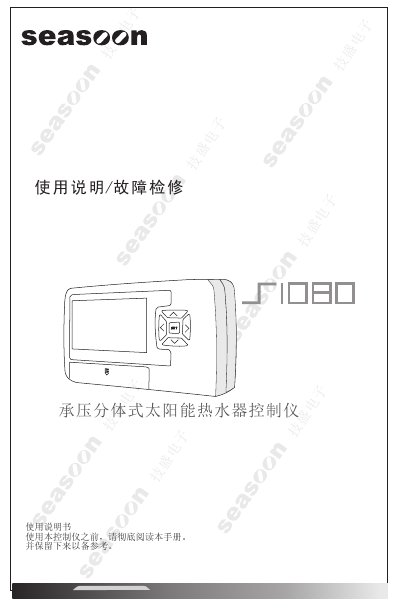
The document begins with safety precautions, including the need for a 10 A‑rated socket, proper grounding, and lightning protection. It then describes the controller’s hardware, such as the LCD display, function keys, and wiring terminals.
Subsequent sections cover installation of the mounting bracket, wiring diagrams, sensor placement, and detailed explanations of operation modes, temperature settings, and automatic protection features. The final part lists fault codes and step‑by‑step troubleshooting procedures. This manual is written in Chinese.
| Input voltage | 100~250 VAC, 50 Hz |
|---|---|
| Power consumption | ≈ 3 VA |
| Heating element power | 2 kW |
| Circulation pump power | 400 W |
| Temperature measurement range | 0 °C – 99 °C |
| Leakage protection current | ≤ 25 mA / 0.1 s |
| Net weight | 450 g |
The controller contains a rechargeable memory battery that keeps the current settings and parameters when power is lost.
If a fault is detected, the controller shows the corresponding fault code on the LCD screen to aid repair.
Press the FN key together with the left arrow key to force heating, then adjust the temperature with the appropriate keys.