
This document is about the instruction manual of LCD display. It introduces the features and characteristics of LCD display, including high brightness, light weight, fast response, stereo speakers, power-saving function, low electromagnetic radiation, Kensington security card lock, safety certification, etc.
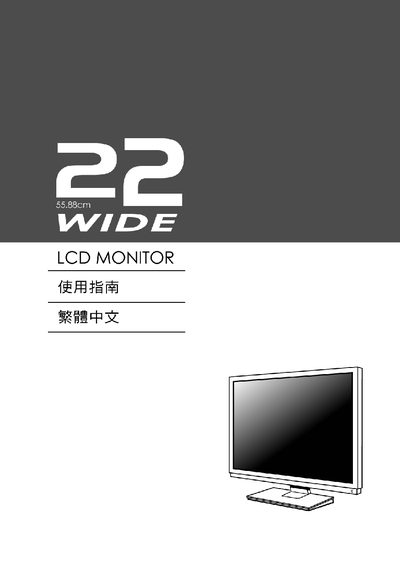
This manual covers the basic features of the WIDE LCD monitor, including its display specifications, VESA compatibility, and on‑screen display (OSD) controls. It is intended for end users who need to install, configure, and operate the monitor safely.
The guide explains how to connect the monitor, adjust picture settings such as brightness, contrast, and sharpness, and understand the supported resolution and refresh rate. It also includes information on power management, standby mode, and troubleshooting common issues.
| Resolution | 1208 x 1824 @ 68 Hz |
|---|---|
| VESA Compatibility | Plug and Play |
| Display Data Channel | DDC |
| EDID Support | Yes |
Use the OSD menu to change the Brightness setting.
The monitor supports a resolution of 1208 × 1824 at 68 Hz.
The monitor is VESA Plug and Play compatible, allowing direct connection to a VESA‑compliant mount.