
Key facts
- Manuals
- 3
- Languages
- ZH · EN
- Last added
- 2011-12-22
Featured WIDE manuals
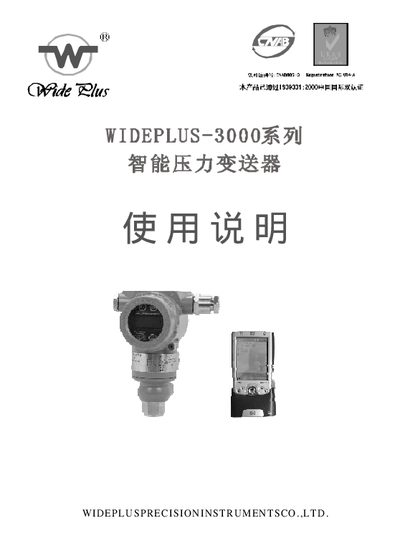
WIDEPLUS WIDEPLUS-3000 Pressure Transmitter User Manual
The WIDEPLUS‑3000 is an intelligent pressure transmitter that converts pressure on a ceramic diaphragm into a standardized 4‑20 mA current signal. It incorporates a micro‑processor, linearization, temperature compensation and HART digital communication for remote configuration and diagnostics.
The manual provides detailed working principles, technical specifications, installation guidelines, explosion‑proof requirements, calibration procedures and software tools for device configuration. Safety precautions for hazardous areas and handling instructions are also included. This manual is written in Chinese.
Covers: Working Principle · Technical Specifications · Calibration · Explosion‑Proof Usage · Installation · Operation Instructions
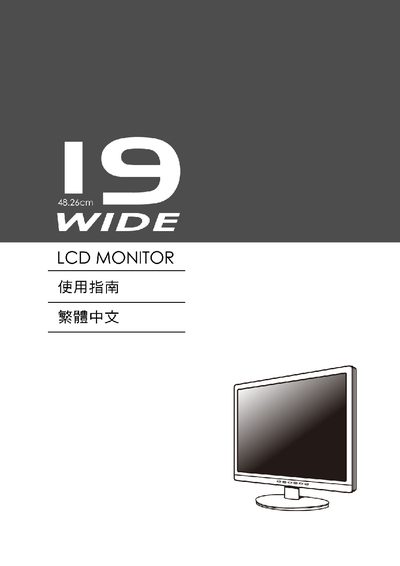
WIDE LCD Monitor User Manual
The WIDE LCD Monitor is a flat‑panel display featuring VESA Plug and Play compatibility, DDC/EDID support, and an on‑screen display (OSD) for adjusting settings such as brightness, contrast and sharpness. It complies with ENERGY STAR requirements, offering up to 48% energy savings.
This manual describes how to install the monitor, connect video sources, navigate the OSD menu, and understand the technical specifications including screen size, native resolution, and supported video standards.
Covers: Introduction · Safety Information · Installation · On‑Screen Display (OSD) Controls · VESA Compatibility · Technical Specifications
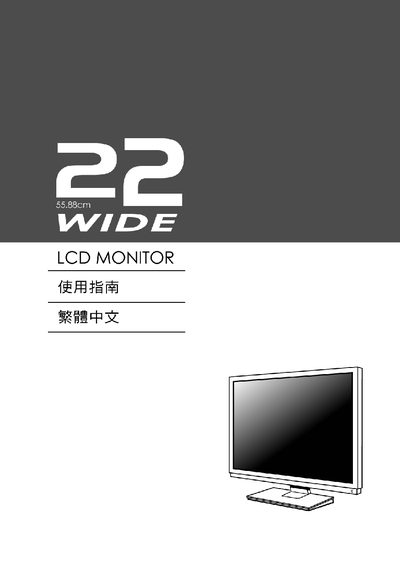
WIDE LCD Monitor User Manual
This manual covers the basic features of the WIDE LCD monitor, including its display specifications, VESA compatibility, and on‑screen display (OSD) controls. It is intended for end users who need to install, configure, and operate the monitor safely.
The guide explains how to connect the monitor, adjust picture settings such as brightness, contrast, and sharpness, and understand the supported resolution and refresh rate. It also includes information on power management, standby mode, and troubleshooting common issues.
Covers: Installation and VESA Plug and Play · OSD Controls · Brightness and Contrast Settings · Resolution and Refresh Rate · EDID and DDC · Power and Standby
Latest WIDE manuals
WIDEPLUS WIDEPLUS-3000 Pressure Transmitter User Manual
User Manual 24 pages · 778 KB · ZHUser manual for the WIDEPLUS‑3000 intelligent pressure transmitter, covering operation, installation, calibration and safety.
WIDE LCD Monitor User Manual
User Manual 12 pages · 704 KB · ENThe WIDE LCD Monitor User Manual provides setup, OSD controls, and basic specifications for the display.
WIDE LCD Monitor User Manual
User Manual 12 pages · 1.8 MB · ENThe WIDE LCD monitor user manual provides setup, operation, and OSD adjustment instructions.
Which document do I need?
User Manual
Day-to-day operation, settings and troubleshooting. Start here if the product is already set up.
Questions answered in WIDE manuals
How do I adjust the zero and span of the transmitter?
Press the “Zero” and “Range” buttons together for at least a few seconds to activate adjustment mode, then apply a known pressure and press the “Zero” button to set zero, followed by the “Range” button to set span. Power‑cycle the device to verify the new settings.
From: WIDEPLUS WIDEPLUS-3000 Pressure Transmitter User Manual
What communication protocol does the WIDEPLUS‑3000 use?
The transmitter uses the HART protocol for digital communication, superimposing a low‑level FSK signal on the 4‑20 mA loop.
From: WIDEPLUS WIDEPLUS-3000 Pressure Transmitter User Manual
What is the screen size of the WIDE LCD Monitor?
The monitor has a diagonal screen size of 48.26 cm.
How do I adjust the monitor brightness?
Use the OSD menu to change the Brightness setting.
What resolution and refresh rate does the monitor support?
The monitor supports a resolution of 1208 × 1824 at 68 Hz.