
The document describes the features and characteristics of LCD monitors, including power-saving devices, plug-and-play capabilities, and safety. It also provides precautions for electrical safety and maintenance.
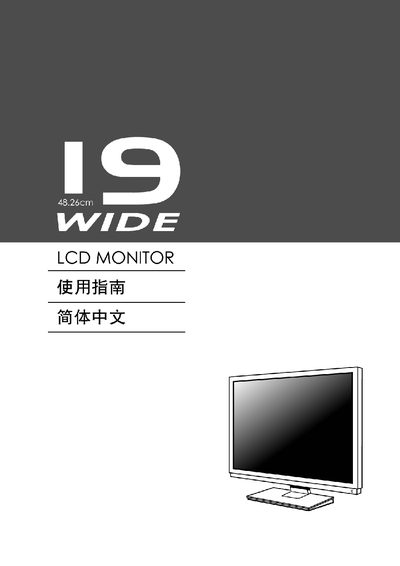
The manual covers safety precautions, electrical requirements, and general usage information for the LCD monitor. It explains the power‑saving feature, plug‑and‑play operation, and how to install the unit safely.
Detailed sections describe screen adjustment, OSD menu navigation, function definitions, troubleshooting tips, and proper maintenance procedures such as cleaning and storage. The document also includes optional wall‑mounting instructions and warranty notes. This manual is written in Chinese.
If the monitor is idle for a set time, it automatically enters low‑voltage mode; moving the mouse or pressing any key restores the image.