
This user manual introduces the features and characteristics of the display and how to use it, including installation, adjustment, OSD control, troubleshooting and so on.
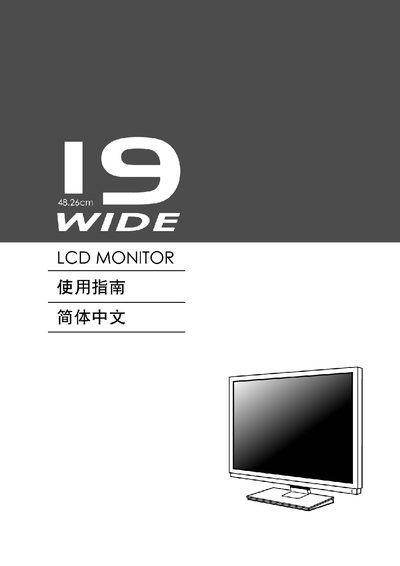
The 19 WIDE LCD MONITOR measures 48.26 cm (approximately 19 inches) and complies with ENERGY STAR and VESA standards. It features an On‑Screen Display (OSD) that allows adjustment of brightness, contrast, sharpness, clock, phase, and other picture settings.
The monitor supports a native resolution of 1280 × 1024 and includes standard input connectors. The manual provides instructions for installation, OSD operation, and troubleshooting, including a “No Signal Input” warning.
| Screen size | 48.26 cm (19 inches) |
|---|---|
| Native resolution | 1280 × 1024 |
| Energy Star certification | Yes |
The monitor measures 48.26 cm, which is about 19 inches.
It supports a native resolution of 1280 × 1024 pixels.
Yes, the manual mentions ENERGY STAR compliance.