
This manual describes how to operate the menus on the SSC-DC80P, SSC-DC83P, and SSC-DC88P video cameras.
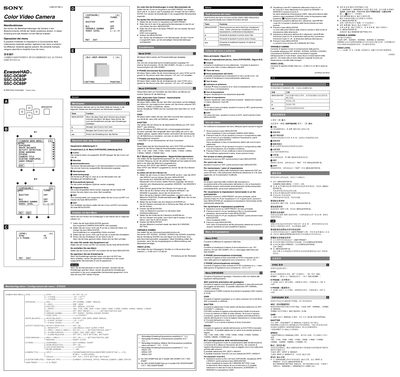
The manual describes the camera’s on‑screen menus and how to change operating settings such as exposure, white balance, activity detection and zone masking. It shows the layout of the main menu, the function of each button on the left side of the camera, and the steps to navigate through sub‑menus.
It also provides instructions for saving user presets, restoring factory defaults, and adjusting synchronization parameters (horizontal and vertical phase). The document includes tables of menu options in German, Italian, Chinese and English for multilingual use. This manual is written in German.
| Gain range | 0 – 28 dB |
|---|---|
| Horizontal phase adjustment range | -127 to +127 |
| Vertical phase adjustment range | -127 to +127 |