
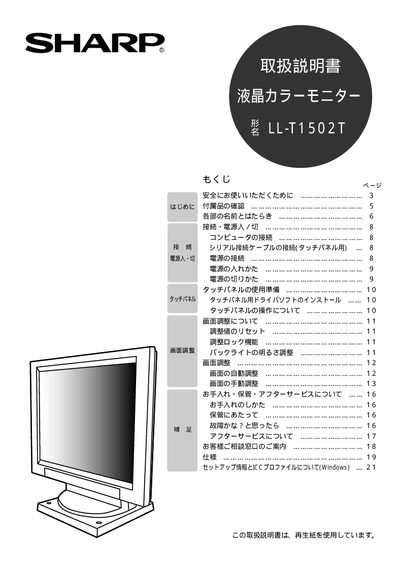
This manual provides safety guidelines, a list of included accessories, and detailed descriptions of the monitor's components and functions. It explains how to connect the monitor, power it on and off, and set up the optional touch panel.
Additional sections cover screen adjustment, routine cleaning, storage, and after‑sales service information, including troubleshooting steps for abnormal conditions such as overheating or display artifacts. This manual is written in Japanese.
Press the power button to turn the monitor off, then pull the plug by holding the plug itself.