
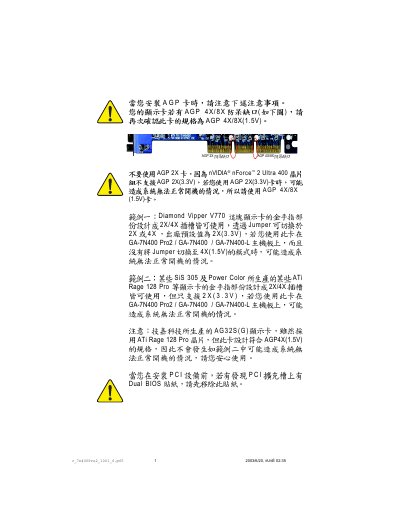
This document describes the features and characteristics of AGP 4X/8X, including support for different voltage AGP slots, support for nVIDIA® nForce™ 2 Ultra 400 and SiS 305 chipsets, and support for ATi Rage 128 Pro and Diamond Vipper V770 graphics cards.
This manual provides detailed information on the GA-7N400 Pro2, GA-7N400, and GA-7N400-L motherboards, including board layout, supported CPUs, memory options, and connector descriptions. It also contains BIOS setup instructions, power‑supply guidelines, and troubleshooting tips.
The document includes compliance declarations for EMC and safety standards, as well as contact information for Gigabyte support worldwide. Technical specifications such as AGP, PCI, IDE, SATA, USB, and audio interfaces are listed for quick reference.
| CPU Socket | Socket A (AMD Athlon, Athlon XP, Duron) |
|---|---|
| Front Side Bus | 200 MHz – 400 MHz |
| Memory Type | DDR400 / DDR333 / DDR266 DIMM |
| Maximum Memory Capacity | 1 GB unbuffered DRAM |
| AGP Slot | nVIDIA® nForce™ 2 Ultra 400 |
| PCI Slots | 33 MHz PCI 2.2 compliant |
| IDE Interfaces | 2 IDE bus master (UDMA 33/ATA 66/ATA 100/ATA 133) |
| USB Ports | USB 2.0/1.1 |
| Ethernet | Realtek 8110S Gigabit |
| Audio Codec | Realtek ALC650 |
| Power Connector | ATX 12V |
The board supports AMD Athlon, Athlon XP and Duron processors using Socket A.
It accepts DDR400, DDR333 or DDR266 DIMM modules up to 1 GB of unbuffered DRAM.
Use the standard ATX 12 V connector as described in the Power Supply Connections section.