
This is the Chinese user manual for the ASUS wireless router WZR2-G300N. It mainly introduces the hardware name and function of the product, wireless network card connection settings, Internet connection settings, security settings, network application functions, DDNS application functions, AOSS function settings, WEB remote control functions, Wireless SSID and wireless frequency channel function settings, etc.
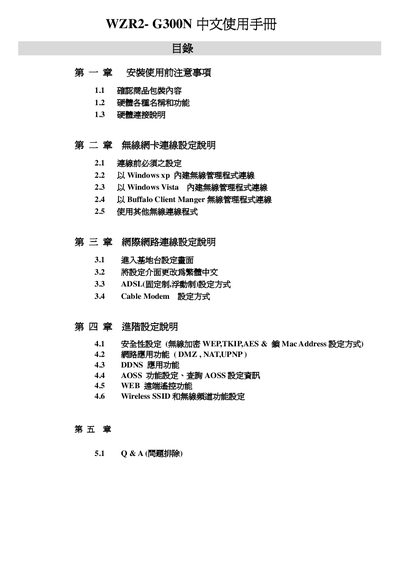
This manual provides step‑by‑step instructions for installing and configuring the Buffalo WZR2‑G300N AirStation router. It includes safety precautions, hardware overview, and detailed procedures for connecting the device to various internet services such as ADSL, cable modem, and wireless networks.
The guide also explains wireless security settings (WEP/TKIP/AES, MAC filtering, SSID broadcast), advanced features like DMZ and NAT‑UPnP, and a troubleshooting Q&A section that addresses common issues such as web‑interface access and factory reset procedures. This manual is written in Chinese.
| Default username | roof |
|---|---|
| SSID broadcast option | Can hide SSID |
No. The built‑in firewall cannot be turned off; it only provides basic protection against simple network attacks.