
Key facts
- Manuals
- 1
- Languages
- ZH
- Last added
- 2011-11-26
Featured WZR2 manuals
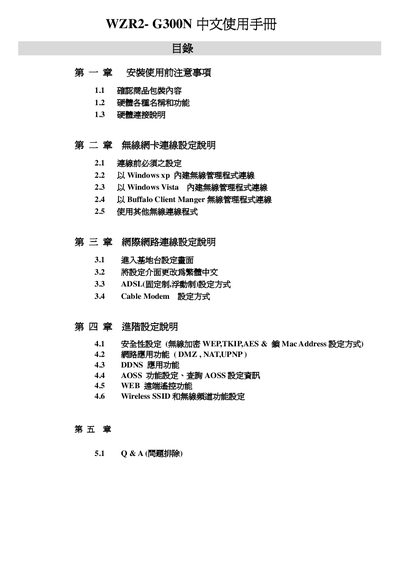
Buffalo WZR2-G300N User Manual
This manual provides step‑by‑step instructions for installing and configuring the Buffalo WZR2‑G300N AirStation router. It includes safety precautions, hardware overview, and detailed procedures for connecting the device to various internet services such as ADSL, cable modem, and wireless networks.
The guide also explains wireless security settings (WEP/TKIP/AES, MAC filtering, SSID broadcast), advanced features like DMZ and NAT‑UPnP, and a troubleshooting Q&A section that addresses common issues such as web‑interface access and factory reset procedures. This manual is written in Chinese.
Covers: Installation and Safety Precautions · Hardware Overview · Network Card and Driver Setup · Internet Connection Settings (ADSL, Cable Modem, PPPoE) · Wireless Security and SSID Configuration · Advanced Router Functions (DMZ, NAT‑UPnP, DDNS, AOSS)
Latest WZR2 manuals
Buffalo WZR2-G300N User Manual
User Manual 44 pages · 3.5 MB · ZHChinese user manual for the Buffalo WZR2‑G300N router covering installation, network setup, wireless security and troubleshooting.
Which document do I need?
User Manual
Day-to-day operation, settings and troubleshooting. Start here if the product is already set up.
Questions answered in WZR2 manuals
Can the router's built‑in firewall be disabled?
No. The built‑in firewall cannot be turned off; it only provides basic protection against simple network attacks.