
Key facts
- Manuals
- 2
- Languages
- EN · ZH
- Last added
- 2011-10-15
Featured Brookfield manuals
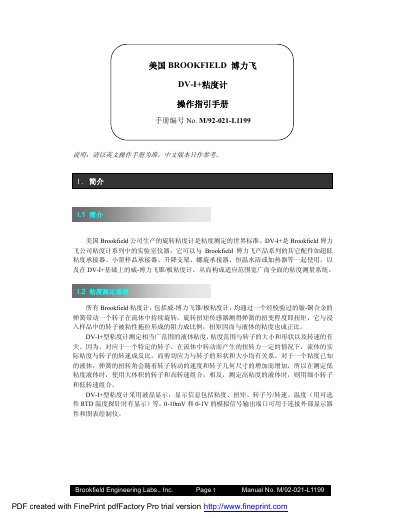
Brookfield DV-I+ Viscosimeter Operation Manual
This manual describes the Brookfield DV-I+ viscosimeter, a laboratory instrument for measuring liquid viscosity. It covers the principle of viscosity measurement, the instrument’s components, and how to install and configure the device, including power requirements and optional temperature probe.
Detailed operating procedures are provided for automatic zeroing, selecting spindles and speeds, using auto‑range, choosing measurement units, and advanced functions such as Timed Stop and Time‑to‑Torque. Calibration methods, standard liquids, and safety notes are also included.
Covers: Introduction · Principle of Viscosity Measurement · Components and Accessories · Installation and Power Requirements · Control Panel Overview · Automatic Zeroing
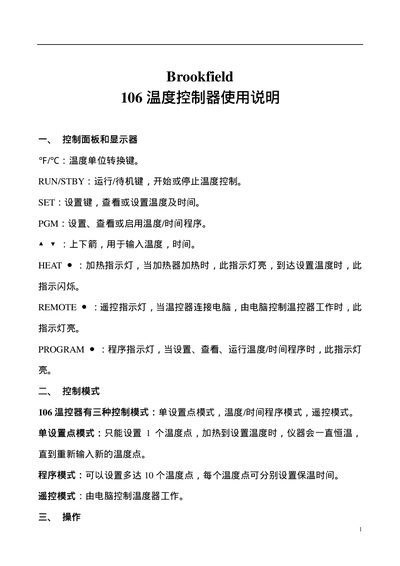
Brookfield 106 Temperature Controller User Manual
The Brookfield 106 is a temperature controller designed for laboratory and process applications. It features a display, temperature unit conversion, run/standby, and program keys, as well as indicator lights for heating, remote control, and program status.
The manual describes the control panel layout, three operating modes (single set‑point, program, and remote), and step‑by‑step procedures for setting temperatures, configuring up to ten temperature points, selecting hold or stop behavior, and running or exiting programs. This manual is written in Chinese.
Covers: Control Panel and Display · Control Modes · Operation Procedure · Single Set‑Point Mode · Program Mode · Remote Mode
Latest Brookfield manuals
Brookfield DV-I+ Viscosimeter Operation Manual
User Manual 16 pages · 302 KB · ENThe Brookfield DV-I+ Viscosimeter Operation Manual provides setup, operation, spindle selection, and maintenance instructions.
Brookfield 106 Temperature Controller User Manual
User Manual 3 pages · 33 KB · ZHThe Brookfield 106 Temperature Controller User Manual explains the control panel, operating modes, setup steps, and program functions.
Which document do I need?
User Manual
Day-to-day operation, settings and troubleshooting. Start here if the product is already set up.
Questions answered in Brookfield manuals
How do I perform automatic zeroing on the DV‑I+?
After removing the spindle, press any key; the screen will flash “Autozeroing” for about 15 seconds before returning to the default display.
How do I set the measurement speed on the DV‑I+?
Use the up/down arrows to choose the desired RPM, then press SET SPEED within three seconds to confirm the selection.
How do I set a single temperature point?
Press the SET key, adjust the temperature with the arrow keys, press SET again to confirm, then press RUNSTBY to start heating.
How many temperature points can be programmed?
The controller can be programmed with up to ten temperature points.