
This document introduces the connection method and unpacking check of the PDP display
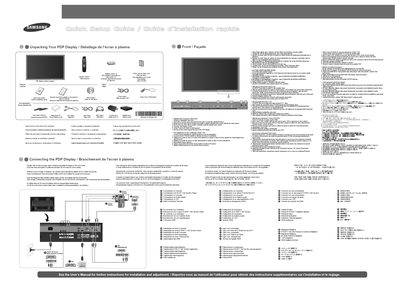
This manual explains how to unpack the PDP (plasma) TV, verify all accessories, and connect the display to various sources such as computers, DVD/DTV set‑top boxes, audio systems, and VCRs. It also describes the remote‑control functions for switching between PC and video modes and adjusting on‑screen menus.
The guide provides instructions for setting the optimal screen resolution and vertical frequency (1920 × 1080 @ 60 Hz) to ensure the best picture quality, and includes safety notes and troubleshooting tips for image quality issues.
| Optimal resolution | 1920 x 1080 @ 60 Hz |
|---|
Set the display resolution to 1920 × 1080 at a 60 Hz refresh rate as shown in the manual.
The green indicator shows that the PDP display is powered on.
Open the box and check the contents to verify that all listed accessories are present.