
This is the manual of 方正中文电子书使用手册. It introduces how to download and install Apabi Reader 3.1, how to connect to the system from inside and outside the school, how to search electronic books, and how to read electronic books.
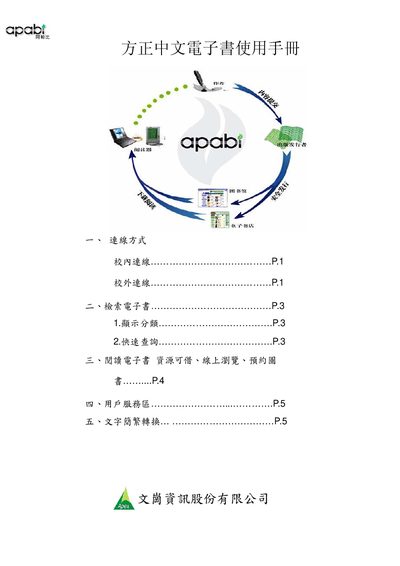
This manual provides step‑by‑step instructions for using the Apabi Reader 3.1 software to access Chinese e‑books through library portals. It covers connection methods, search options, borrowing rules, and reading modes both offline and online.
Key sections include connection setup (including proxy configuration), e‑book retrieval and quick search, reading options (download for offline use or 60‑minute online browsing), and the user service area for account management, reservation, and text conversion between simplified and traditional Chinese. This manual is written in Chinese.
| Required Reader Version | 3.1 |
|---|
Open Apabi Reader, go to Tools → Network Settings → Proxy Server and enter the proxy address and credentials.
Online browsing is limited to 60 minutes per session.