
Key facts
- Manuals
- 2
- Models
- 1
- Languages
- ZH
- Last added
- 2011-11-19
Apabi models by category
Featured Apabi manuals
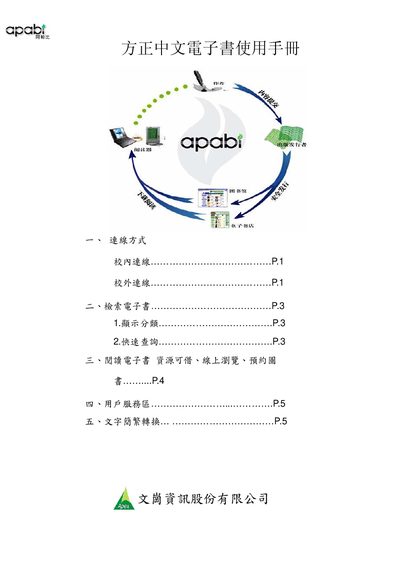
Apabi Reader 3.1 User Manual
This manual provides step‑by‑step instructions for installing the Apabi Reader 3.1 software, configuring network proxy settings, and logging into the digital library platform. It also describes how to search for ebooks using simplified or traditional Chinese keywords and how to use quick‑query functions.
Additional sections cover borrowing ebooks for offline reading, online browsing limits, reservation procedures, and the user service area where users can manage their accounts, view borrowed titles, and convert text between simplified and traditional Chinese. This manual is written in Chinese.
Covers: Installation and Login · Proxy Server Configuration · Ebook Search and Quick Query · Borrowing and Online Reading · Reservation and User Service Area · Simplified/Traditional Text Conversion
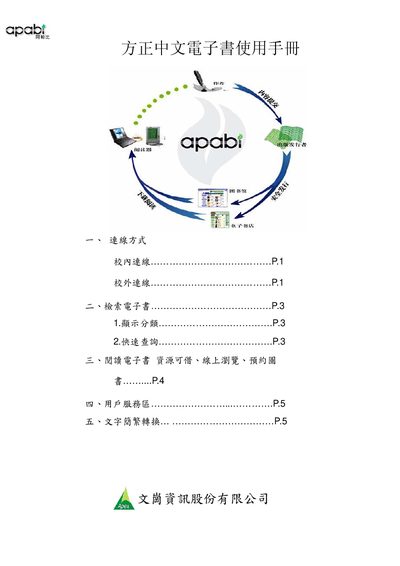
Apabi Reader 3.1 User Manual
This manual provides step‑by‑step instructions for using the Apabi Reader 3.1 software to access Chinese e‑books through library portals. It covers connection methods, search options, borrowing rules, and reading modes both offline and online.
Key sections include connection setup (including proxy configuration), e‑book retrieval and quick search, reading options (download for offline use or 60‑minute online browsing), and the user service area for account management, reservation, and text conversion between simplified and traditional Chinese. This manual is written in Chinese.
Covers: Connection Methods · E‑book Search · Reading E‑books · User Service Area · Text Conversion · Borrowing Rules
Latest Apabi manuals
Apabi Reader 3.1 User Manual
User Manual 6 pages · 667 KB · ZHThe Apabi Reader 3.1 user manual explains installation, login, proxy settings, and ebook borrowing and reading procedures.
Apabi Reader 3.1 User Manual
User Manual 6 pages · 667 KB · ZHThe Apabi Reader 3.1 user manual explains installation, network setup, e‑book search, borrowing, and reading functions.
Which document do I need?
User Manual
Day-to-day operation, settings and troubleshooting. Start here if the product is already set up.
Questions answered in Apabi manuals
How do I install Apabi Reader?
Download Apabi Reader 3.1 from the provided link before logging into the system and install it.
How can I set a proxy server for the reader?
Open Tools → Options → Network Settings → Proxy Server and enter the proxy address and credentials.
How do I set up a proxy server in Apabi Reader?
Open Apabi Reader, go to Tools → Network Settings → Proxy Server and enter the proxy address and credentials.
How long can I read an e‑book online?
Online browsing is limited to 60 minutes per session.