
This is a user manual for PHILIPS SA2CAM04 SA2CAM08 SA2CAM16. It mainly introduces the product usage method and precautions, including product function features, usage methods, precautions, etc.
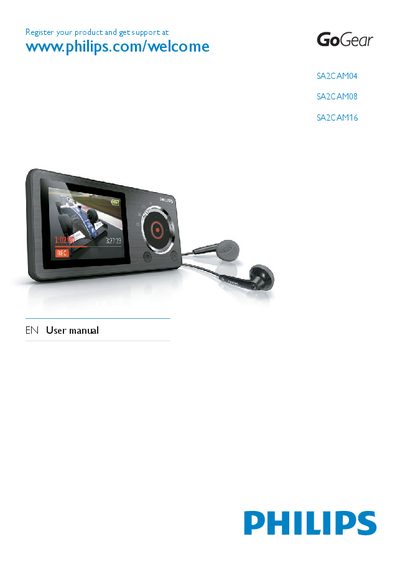
This manual covers safety information, unpacking, and basic setup for the Philips SA2CAM04, SA2CAM08, and SA2CAM16 portable media players. It explains how to connect the device, charge the battery, install the Philips Songbird software, and use the built‑in camera and audio functions.
Detailed sections describe the control layout, volume‑limit settings, media management (music, videos, pictures), FM radio recording, and technical data. The guide also includes recycling instructions, warranty notes, and a glossary of terms.
Select Settings → Sound settings → Volume limit and adjust the level; the device will not exceed the set volume.
Use the USB connection jack on the device to link it to a computer for file transfer.
Yes, select the FM radio mode and use the record function to capture audio.