
AudioReQuest is a music entertainment system that allows easy access to thousands of songs with the press of a button. Please ensure that you only use music that you own or have a license for, to ensure artists receive full monetary compensation for their artistic creations.
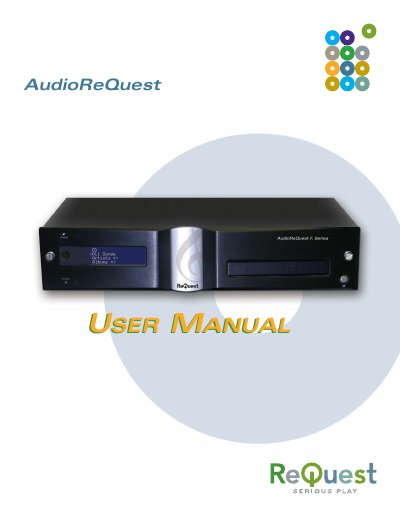
This manual covers everything you need to install, configure, and use the ReQuest AudioReQuest digital music system. It includes detailed steps for hardware setup, networking, remote control operation, and software updates, as well as troubleshooting tips and safety warnings.
Key sections explain how to connect audio and video outputs, manage QuickSwap hard drives, integrate with home‑automation systems, and organize your music library. The document also lists technical specifications, regulatory notices, and contact information for ReQuest support.
| Supported Audio Formats | WAV, FLAC, MP3, CD‑R/CD‑RW |
|---|---|
| Video Outputs | Component, Composite, S‑Video, VGA |
| Power Requirements | 115 VAC/60 Hz and 230 VAC/50 Hz |
| Power Consumption | < 75 W (F.Series, N.Series, Z.Series) |
| Operating Temperature | 40 °F – 90 °F |
| Weight | Pro and Tera Zone: 17 lb |
Power down the unit completely, wait at least 10 seconds for the drive to spin down, then unlock the QuickSwap bay before removing the drive.
Use Component, Composite, S‑Video, or VGA cables; ensure the TV is turned on before powering up the AudioReQuest.