
Key facts
- Manuals
- 1
- Languages
- EN
- Last added
- 2011-11-17
Featured ReQuest manuals
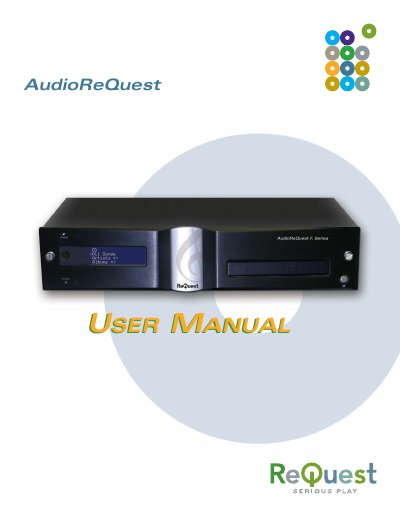
ReQuest AudioReQuest User Manual
This manual covers everything you need to install, configure, and use the ReQuest AudioReQuest digital music system. It includes detailed steps for hardware setup, networking, remote control operation, and software updates, as well as troubleshooting tips and safety warnings.
Key sections explain how to connect audio and video outputs, manage QuickSwap hard drives, integrate with home‑automation systems, and organize your music library. The document also lists technical specifications, regulatory notices, and contact information for ReQuest support.
Covers: Getting Started · Setting‑Up Your AudioReQuest · Back Panel Connections · Powering On and Off · Networking · Recording Music
Latest ReQuest manuals
ReQuest AudioReQuest User Manual
User Manual 43 pages · 644 KB · ENThe ReQuest AudioReQuest User Manual provides setup, networking, playback, and maintenance instructions for the AudioReQuest music system.
Which document do I need?
User Manual
Day-to-day operation, settings and troubleshooting. Start here if the product is already set up.
Questions answered in ReQuest manuals
How do I safely remove the QuickSwap drive?
Power down the unit completely, wait at least 10 seconds for the drive to spin down, then unlock the QuickSwap bay before removing the drive.
How can I connect the AudioReQuest to a TV?
Use Component, Composite, S‑Video, or VGA cables; ensure the TV is turned on before powering up the AudioReQuest.