
AV322 Visual Presenter User Manual, introduces the features and characteristics of the product, including installation, connection, use, and troubleshooting.
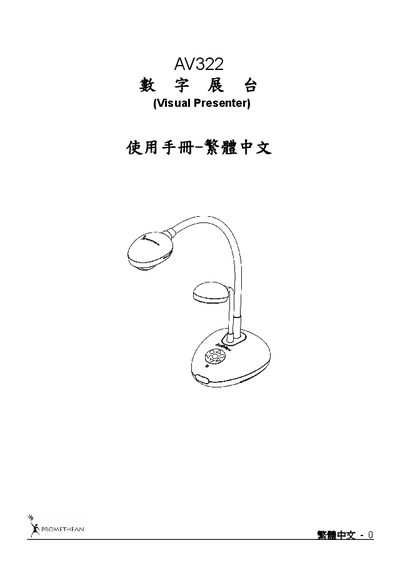
This manual covers safety guidelines, accessory lists, and detailed operation diagrams for the AV322 digital exhibition table. It explains proper handling, power requirements, and recommended usage conditions.
Installation steps, DIP switch configuration, control panel and remote functions, common features, microscope connection, and a troubleshooting section are also included, helping users get the most out of the device. This manual is written in Chinese.
| Microscope adapter compatible lens size | Ø28.4 mm |
|---|---|
| Power cord options | US, UK, EU |
Use the microscope adapter included with the AV322, attach it to the microscope, then select the microscope mode from the menu.
Check that the power cable is properly plugged into the unit.
Press the focus button on the device or adjust zoom using the remote/control panel, then press the focus button for auto‑focus.