
Key facts
- Manuals
- 3
- Models
- 1
- Categories
- 1
- Languages
- ZH
- Last added
- 2011-11-17
PROMETHEAN models by category
Featured PROMETHEAN manuals
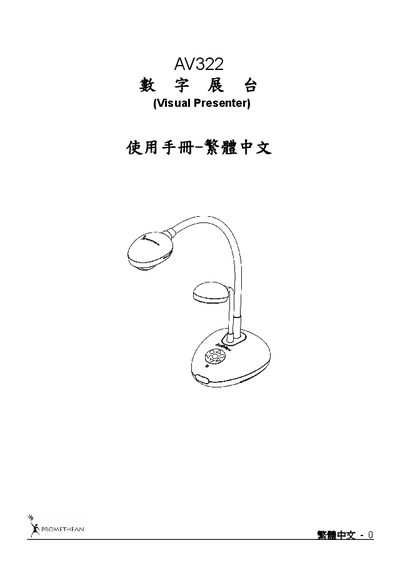
Promethean AV322 Digital Exhibition Table User Manual
This manual covers safety guidelines, accessory lists, and detailed operation diagrams for the AV322 digital exhibition table. It explains proper handling, power requirements, and recommended usage conditions.
Installation steps, DIP switch configuration, control panel and remote functions, common features, microscope connection, and a troubleshooting section are also included, helping users get the most out of the device. This manual is written in Chinese.
Covers: Safety Instructions · Accessories List · Product Operation Diagrams · Installation and Connection · DIP Switch Settings · Control Panel / Remote Buttons and Menu
Promethean PRM-25 Multimedia Projector User Manual
This manual explains how to install, set up, and operate the PRM-25 projector safely. It includes safety warnings, proper positioning, power‑line usage, and instructions for lamp replacement and cleaning.
The document also lists technical specifications, dimensions, operating temperature range, safety certifications, and provides troubleshooting steps for common issues such as LED error messages and image problems. This manual is written in Chinese.
Covers: Package Contents · Installation and Operation · OSD Menu Settings · Maintenance and Safety · Lamp Replacement · Cleaning the Projector
Latest PROMETHEAN manuals
Promethean AV322 Digital Exhibition Table User Manual
User Manual 34 pages · 2.7 MB · ZHThe Promethean AV322 digital exhibition table user manual provides safety instructions, setup, operation, and troubleshooting guidance.
PROMETHEAN PRM-25 multimedia Projector Manual
Promethean PRM-25 Multimedia Projector User Manual
User Manual 60 pages · 2.7 MB · ZHThe Promethean PRM-25 multimedia projector user manual provides installation, operation, safety, specifications, and troubleshooting guidance.
Which document do I need?
User Manual
Day-to-day operation, settings and troubleshooting. Start here if the product is already set up.
Questions answered in PROMETHEAN manuals
How do I connect the AV322 to a microscope?
Use the microscope adapter included with the AV322, attach it to the microscope, then select the microscope mode from the menu.
What should I do if the AV322 has no power?
Check that the power cable is properly plugged into the unit.
What safety steps are required before replacing the lamp?
Turn off and unplug the power cord, then allow the lamp to cool for about one hour before handling.