
The document describes the features and characteristics of Yamaha PJP-CAM1 and its related products.
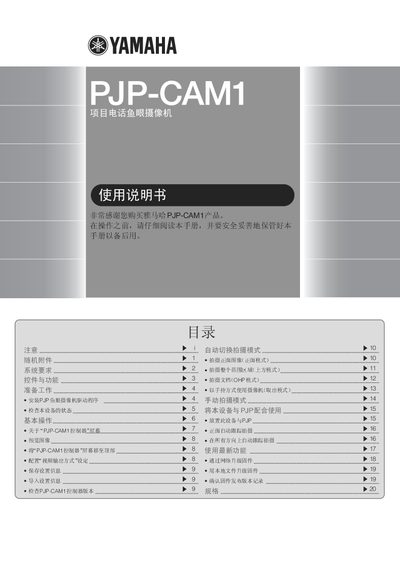
This manual explains how to install the PJP-CAM1 camera driver, configure video output, and use the camera’s various shooting modes. It includes safety precautions, system requirements, and troubleshooting steps.
The document also covers basic operation such as connecting the supplied USB cable, launching the controller software, and adjusting settings for different environments. Contact information for Yamaha service centers worldwide is provided at the end. This manual is written in Chinese.
| Minimum CPU | Pentium 1 GHz or higher |
|---|---|
| Minimum RAM | 256 MB (512 MB recommended) |
| USB Interface | USB 1.1 or USB 2.0 |
Insert the supplied CD‑ROM into the computer, run “PJP-CAM1 Camera Driver Setup.exe”, and follow the on‑screen prompts to complete installation.
Open Add/Remove Programs, select “YAMAHA PJP-CAM1 Camera Driver”, and click Delete to remove the software.
Use the supplied USB cable and plug it into a USB 1.1 or USB 2.0 port on the computer.