
This document describes the features and usage of the Motorola K1 GSM mobile phone.
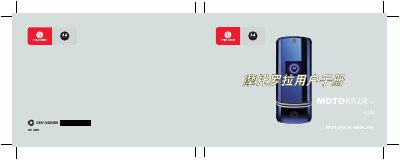
This manual introduces the Motorola K1 GSM mobile phone, providing step‑by‑step instructions for basic functions such as powering the device on and off, navigating menus, and using the phone’s core features. It also includes safety guidelines and information about required accessories.
Detailed sections cover installing the SIM card and battery, making and receiving calls, sending messages, using the web browser, Bluetooth connectivity, and customizing settings like ringtone, wallpaper, and power‑saving modes. This manual is written in Chinese.
Press and hold the power key to start the device.
Use the navigation keys (up, down, left, right) to scroll through menu options.
Open the SIM card slot cover and insert the SIM card as shown in the installation section.