
This manual introduces the installation and usage of WUSB25E-32 WiMAX wireless network card.
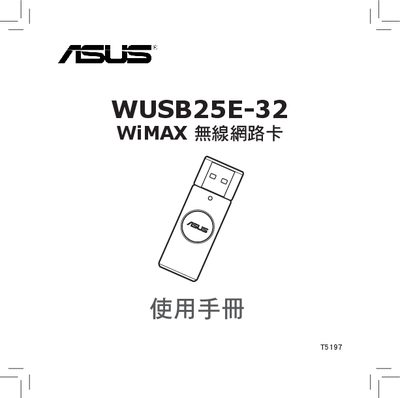
The WUSB25E-32 is a WiMAX wireless network adapter designed for Windows PCs. It connects via a USB 2.0 interface and includes LED indicators that show connection status and data transfer.
This manual covers package contents, hardware installation, required software (including .NET Framework 3.5), network configuration, quick‑connect procedures, and safety precautions. A troubleshooting section helps resolve common connection issues. This manual is written in Chinese.
| USB Interface | USB 2.0 |
|---|---|
| LED Indicators | Orange – disconnected; Orange – connected; White – data transfer |
Install the Microsoft .NET Framework 3.5 (or later) and then run the provided Install_DotNet35.bat script to complete the driver installation.
Check the LED status, verify that the driver is installed, and follow the troubleshooting steps in section 4.1 "無法連線" to resolve connection problems.
Keep the device in a dry environment, do not open the unit, and avoid exposing it to water or corrosive substances.