
Key facts
- Manuals
- 2
- Languages
- ZH
- Last added
- 2012-05-04
Featured WiMAX manuals
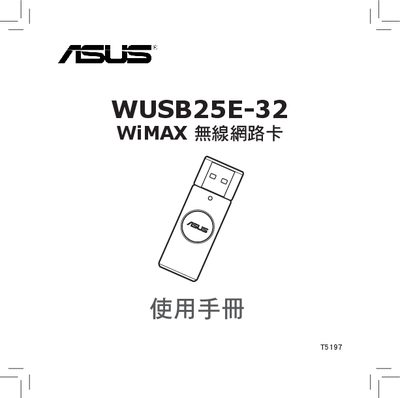
ASUS WUSB25E-32 WiMAX Wireless Network Card User Manual
The WUSB25E-32 is a WiMAX wireless network adapter designed for Windows PCs. It connects via a USB 2.0 interface and includes LED indicators that show connection status and data transfer.
This manual covers package contents, hardware installation, required software (including .NET Framework 3.5), network configuration, quick‑connect procedures, and safety precautions. A troubleshooting section helps resolve common connection issues. This manual is written in Chinese.
Covers: Welcome · Product Overview · Package Contents · Understanding WiMAX Network · Installing WiMAX Network · Software Installation
Latest WiMAX manuals
WiMAX modem User Manual
The Digicel Broadband WiMAX modem (IX280P) is a WiMAX modem used for broadband internet access. This manual provides information on the specifications, interfaces, LED indicators, and usage of the modem.
ASUS WUSB25E-32 WiMAX Wireless Network Card User Manual
User Manual 20 pages · 3.1 MB · ZHThe ASUS WUSB25E-32 WiMAX wireless network card user manual provides installation steps, software setup, and troubleshooting guidance.
Which document do I need?
User Manual
Day-to-day operation, settings and troubleshooting. Start here if the product is already set up.
Questions answered in WiMAX manuals
How do I install the required software for the WUSB25E-32?
Install the Microsoft .NET Framework 3.5 (or later) and then run the provided Install_DotNet35.bat script to complete the driver installation.
From: ASUS WUSB25E-32 WiMAX Wireless Network Card User Manual
What should I do if the device cannot connect to a WiMAX network?
Check the LED status, verify that the driver is installed, and follow the troubleshooting steps in section 4.1 "無法連線" to resolve connection problems.
From: ASUS WUSB25E-32 WiMAX Wireless Network Card User Manual