
This document introduces the functions and usage methods of a mobile phone, including key operations, calling, music player, settings, tools, etc.
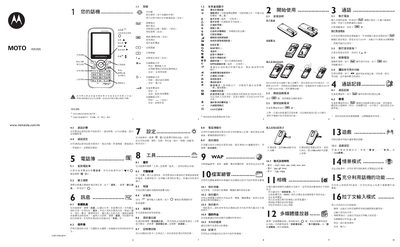
This manual introduces the WX395 mobile phone, covering basic operations such as inserting the SIM card, turning the device on and off, and navigating the main menu. It details the phone’s functions, including calling, messaging, phonebook, voice mail, and various tools like Bluetooth, calculator and unit converters.
The guide also describes multimedia capabilities (audio, image and video playback), file management on the memory card, and extensive safety information such as SAR values, battery handling, and usage warnings for hearing protection and RF exposure. This manual is written in Chinese.
| Supported audio formats | mp3, m4a, aac, midi, wav, amr |
|---|---|
| Supported image formats | jpg, gif, bmp |
| Supported video formats | 3gp, mjpg |
| SAR (average) value | 0.91 W/kg |
| SAR (maximum) value | 1.10 W/kg |
Insert the SIM card with the chip side facing down and push it into the slot, making sure it is correctly seated.
Open the Tools menu and select "Bluetooth" to enable and use the Bluetooth function.
Keep the volume within a safe range and use Motorola‑recommended headsets.